When it comes to managing a power backup system effectively, understanding how to operate and reset Generator Control Panels is an essential skill. Generator control panels serve as the brain of a generator system, offering control, monitoring, and protection features that ensure smooth operation during power outages or primary power failures. Whether it’s a manual start or an automatic one, knowing how to reset the control panel can help troubleshoot minor issues and restore normal functioning.
This blog will guide you through the safe process of resetting Generator Control Panels, highlight when a reset is necessary, and explain common safety precautions.
Understanding Generator Control Panels
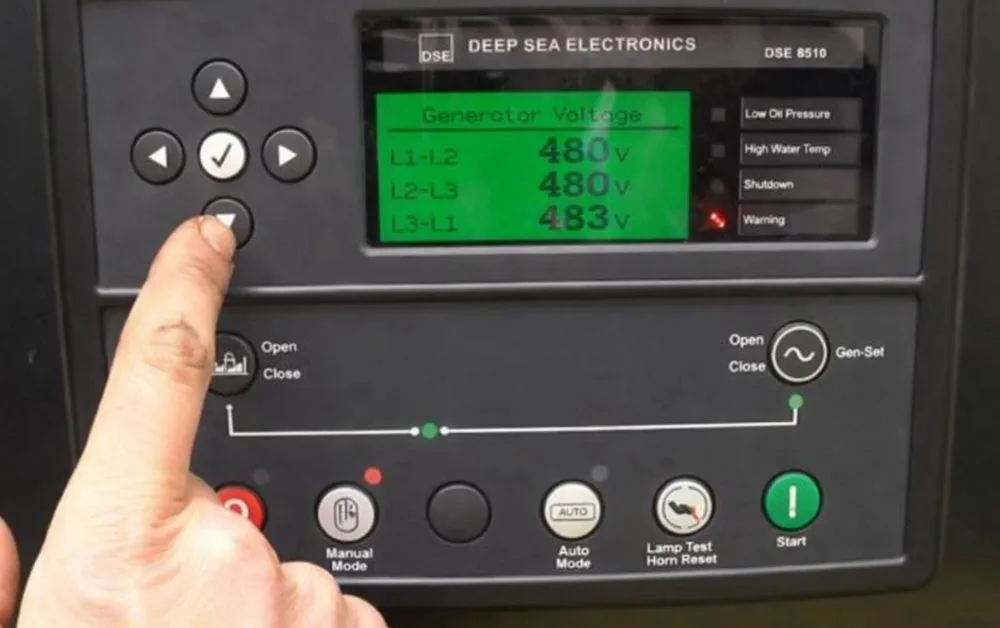
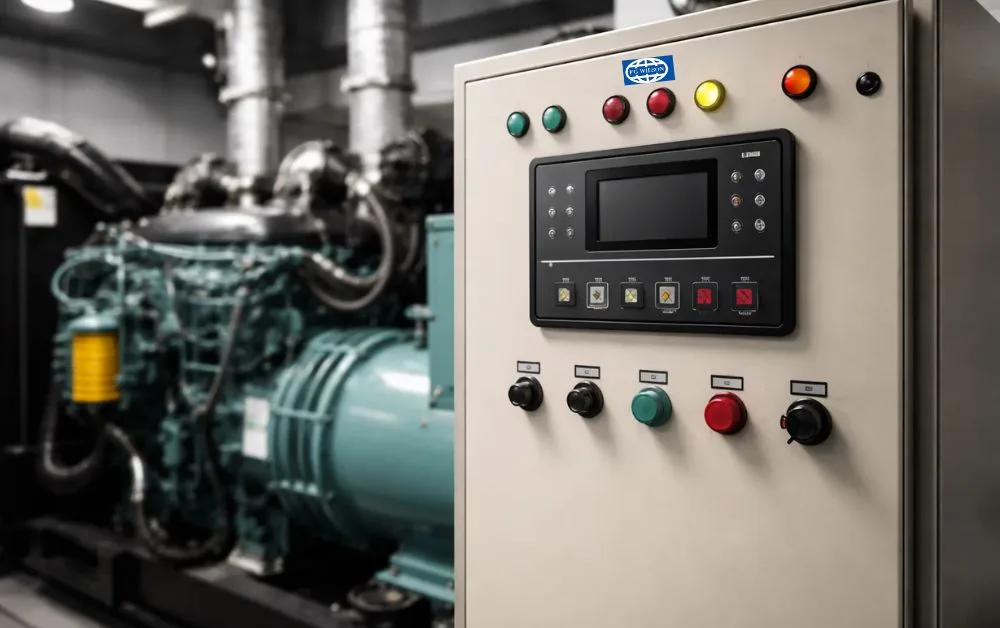
Generator Control Panels are interfaces that connect users to the generator’s functions. They include displays, indicators, switches, and sometimes touchscreen interfaces, depending on the sophistication of the unit. These panels are responsible for:
- Monitoring voltage, current, and frequency
- Starting and stopping the generator
- Displaying alarms and fault codes
- Protecting against overloads or system errors
Modern control panels also include remote monitoring, auto-start functions, programmable schedules, and data logging.
Why and When to Reset a Generator Control Panel
Resetting the control panel does not mean restarting the generator—it refers to clearing fault conditions or resetting the system after maintenance or failure. Some common situations that require a reset include:
- After a fault or trip event: Overload, low oil pressure, high coolant temperature, or short circuit faults may trigger shutdowns.
- After maintenance or battery change: Internal systems may require resetting post-maintenance to restore monitoring and logging.
- Firmware or setting adjustments: Updates to operational parameters or firmware might demand a system reboot.
It’s crucial to consult the generator manual before performing a reset to avoid interrupting active loads or causing damage.
See also-How Businesses Benefit from Custom Generator Control Panels?
Step-by-Step Guide to Resetting Generator Control Panels Safely
Resetting Generator Control Panels varies based on the manufacturer and model. However, most follow a general procedure. Here’s a step-by-step breakdown:
1. Read the Display for Error Codes
Before resetting, identify the issue through the display panel. Most modern control panels will show a fault code or status like “Overload,” “Emergency Stop,” or “Low Oil Pressure.” Take note of these codes for future reference or troubleshooting.
2. Turn Off the Generator (if running)
Ensure the generator is not under load. Switch off any connected equipment or transfer switches. If the generator is still running, shut it down properly using the stop button or key switch to avoid electrical surges.
3. Inspect for Underlying Issues
Do a quick physical inspection:
- Check for oil or coolant leaks
- Inspect air filters and belts
- Verify battery connections
- Look at fuel levels and fuel line integrity
Resetting without identifying the real cause may lead to repeated shutdowns or even permanent damage.
4. Press the Reset Button
Most generator control panels have a dedicated “Reset” or “Clear Fault” button. It might be a soft-touch button on a digital screen or a physical button on analog panels. Hold it down for 3–5 seconds or until the fault code disappears.
Note: Some panels require a key or password entry to access the reset function.
5. Cycle the Main Power Switch (if required)
If pressing the reset button alone doesn’t work, you may need to power-cycle the control panel:
- Turn off the main control switch
- Wait for about 30 seconds
- Turn the switch back on
This can help clear internal memory errors and refresh the system.
6. Test Run the Generator
Once the control panel is reset and fault codes are cleared:
- Start the generator manually
- Monitor voltage and frequency
- Confirm there are no warning signals or recurring faults
- Ensure the load connects smoothly if it’s an automatic transfer setup
7. Monitor for a Few Minutes
Let the generator run for at least 10–15 minutes without any load and then gradually introduce loads. This helps ensure stability and verifies that the reset was successful.
Additional Safety Tips
Resetting Generator Control Panels may seem simple, but certain precautions are non-negotiable for safety and longevity:
- Always disconnect load circuits before resetting
- Wear appropriate PPE (gloves, eyewear, insulated tools)
- Never reset repeatedly without diagnosing the root cause
- Avoid operating in wet or humid conditions
- Keep a fire extinguisher nearby in case of fuel or electrical issues
When to Call a Professional
If your generator is showing persistent fault codes or won’t reset after following standard procedures, it might indicate a deeper electrical or mechanical issue. Signs to watch for include:
- Frequent overheating
- Battery voltage errors
- Generator starts but shuts off immediately
- Alarms not clearing even after reset
In such cases, contacting a professional technician or your generator supplier is the safest and most efficient approach.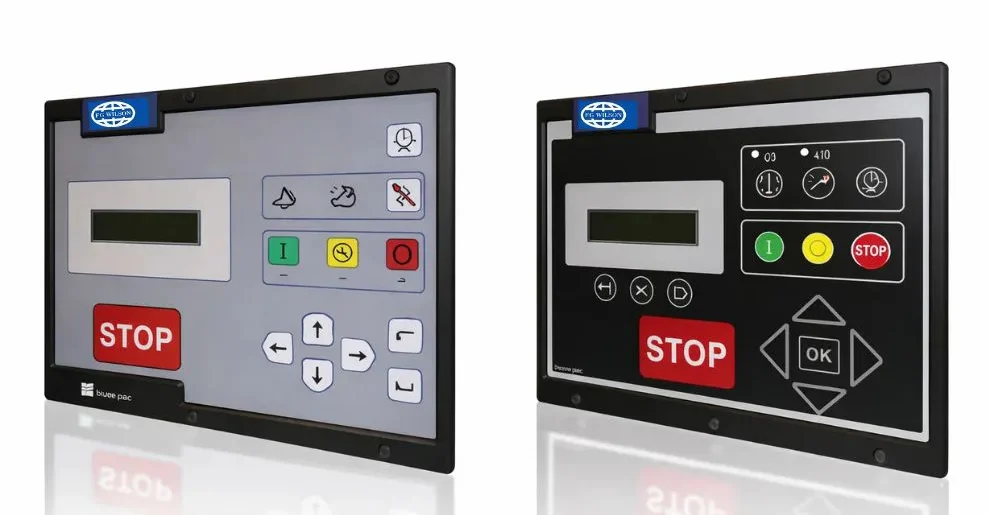
Conclusion: Trust Laurus Technologies LLC for Reliable Generator Solutions
In regions like Qatar, where uninterrupted power supply is crucial for both commercial and industrial operations, knowing how to handle and reset Generator Control Panels safely can save time and prevent damage. But even more important is having access to quality equipment and expert support.
That’s where Laurus Technologies LLC stands apart. Known for their technical excellence and comprehensive generator services, Laurus Technologies LLC is a trusted name for high-performance generator systems, advanced control panels, and responsive after-sales support. Whether you need assistance with resetting, maintenance, or complete power solutions, Laurus Technologies LLC ensures peace of mind with every product and service they offer.